
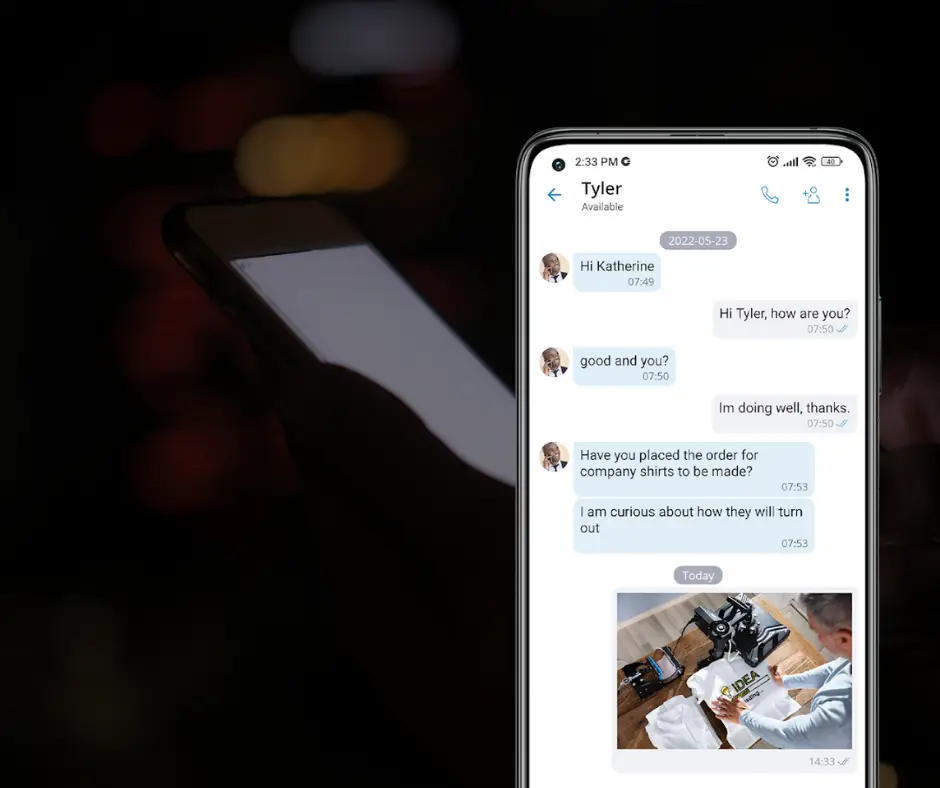
A customer calls your business, reaches voicemail, and hangs up. Thirty seconds later, they send a text and receive an answer almost immediately. That one interaction says a lot about how customer communication has changed.
People want quick ways to reach businesses. They may not have time for a call, and an email can sit unread for hours. Business text messaging fills that gap with a familiar way to ask questions, confirm appointments, and receive updates.
There is a major difference between texting customers and having a professional business text messaging system. Personal phones and individual numbers can create security concerns, lost conversations, and blurred boundaries.
Business text messaging can be convenient, professional, and secure, but only when the right system and policies are in place.
Why Business Text Messaging Works
Texting is fast without demanding a conversation. Customers can respond between appointments or confirm information without listening to a voicemail.
Businesses can use text messaging for:
- Appointment confirmations and reminders
- Delivery and service updates
- Scheduling questions
- Customer support follow-ups
- Notifications about delays or closures
These interactions can reduce missed appointments and phone tag while allowing employees to provide updates without making customers wait on hold.
The problem is not the communication method. The risk comes from how the messages are sent, received, and managed.
Personal Texting Creates Business Problems
Texting customers from personal numbers may feel easy, but it leaves the company with little visibility or control.
If an employee leaves, the message history may leave too. Another team member may be unable to continue the conversation, and customers may keep contacting the former employee.
Employees may also feel pressured to answer after hours or share a number they would rather keep private.
A professional business text messaging solution keeps communication attached to the company. Customers use an official business number, and the company controls access. This creates consistency while separating personal and professional communication.
Security and Privacy Still Matter
Texts can contain addresses, account details, photos, documents, or descriptions of internal problems. Information stored on an unsecured personal phone could be exposed if the device is lost, stolen, or shared.
Business text messaging can also be used for phishing. An urgent message may ask an employee to make a payment, share information, reset an account, or click a suspicious link.
Employees should treat unusual texts like suspicious emails. Requests involving passwords, payments, confidential information, or account access should be confirmed another way.
Consent and Professional Standards
Having a customer’s phone number does not automatically make every type of message appropriate. A number provided for an appointment reminder should not be added to a marketing campaign without proper permission.
Businesses need a process for obtaining consent, setting expectations, and honoring requests to stop messages. Requirements vary, so each business should review the rules that apply to its communication.
Employees also need basic guidelines for professional business text messaging. These should cover:
- Which employees can text customers
- What information may be shared
- When a conversation should move to a phone call or secure system
- What hours messages may be sent
- How message history is handled
- How opt-out requests are processed
- How access is removed when an employee leaves
Messages should be friendly, clear, and easy to understand. Employees should identify themselves and the business when starting a new conversation. Overly casual language, unexplained abbreviations, and messages without context can make an otherwise legitimate text appear unprofessional or suspicious.
What to Look for in a Business Text Messaging System
The right system should make communication easier without creating another disconnected platform for employees to manage. Business texting is most useful when it works alongside the tools your team already uses.
Before choosing a solution, ask:
- Can employees send and receive texts using the business phone number?
- Can the system be accessed from both computers and mobile devices?
- Can more than one authorized employee respond when needed?
- Can access be removed quickly when someone leaves?
- Does the system work with the company’s existing phone setup?
- Can employees communicate without exposing personal numbers?
The goal is not simply to give employees another way to send messages. It is to create one dependable communication system that supports how and where your team works.
CallNet Keeps Every Device Connected
This is where CallNet VoIP from TotalBC becomes the solution. CallNet brings business texting and business calling together instead of forcing employees to switch between personal phones, separate apps, and disconnected conversations.
With CallNet, employees can send and receive business text messages using their business phone number. Mobile and desktop apps allow team members to stay connected from a laptop or mobile device without giving customers their personal numbers. Desk phones remain part of the same phone system, giving every employee the flexibility to communicate from the device that fits their role.
That means your office staff can answer from a desk phone, a remote employee can work from a laptop, and someone in the field can stay connected through a mobile device. Customers still interact with one professional business system.
CallNet also offers features such as call routing, call logs, voicemail to email, call recording, after-hours routing, and call continuity. Instead of adding business text messaging as another isolated tool, TotalBC can configure a VoIP system around the way your calls and customer conversations actually flow.
Business text messaging should make communication simpler, not harder to control. With CallNet, your desk phones, laptops, and mobile devices work through one connected system, helping your team respond faster while keeping business communication professional.